Social video creator
You are adapting a short reaction or lifestyle clip for a vertical post.
Check the first, middle, and final seconds for identity drift before adding captions or music.
Motion-ready editing
Use Wavespeed to place a selected face into a moving clip while preserving expressions, camera changes, and scene timing. This video face swap workflow is built for practical review, not just a single convincing frame.

Frame comparison
A useful comparison checks the same pose, crop, and lighting before judging identity replacement. Keep the divider moving across eyes, jawline, hairline, and background edges.
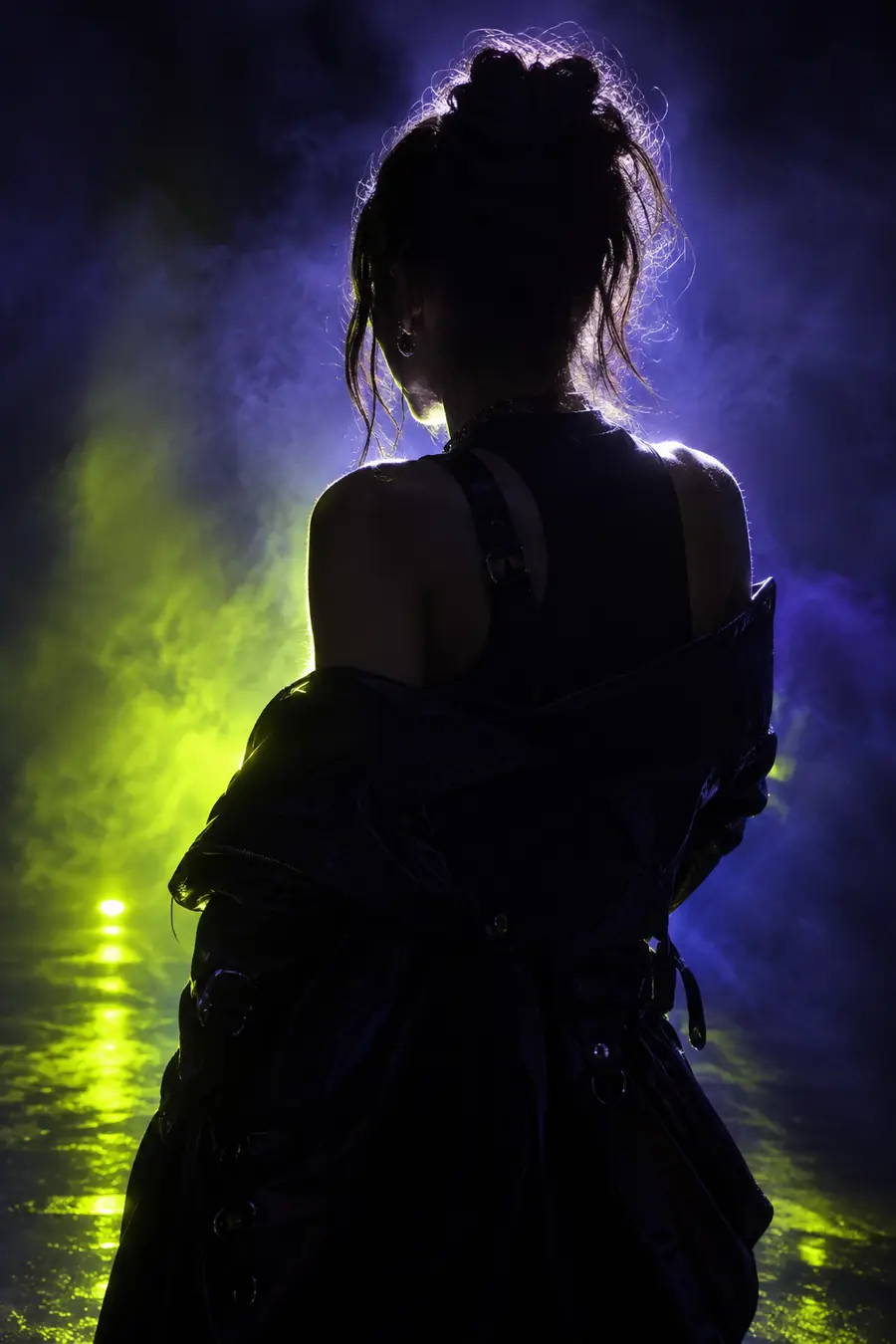
Source frame
Drag or use the arrow keys to inspect the transition.
Swapped frame
Conversion trade-offs
A video edit is not simply an image swap repeated across frames. The source clip, replacement face, and motion between frames determine where detail is preserved or softened.
| Single image swap | Video face swap | |
|---|---|---|
| Primary input | One still image | A sequence of moving frames |
| Motion handling | Not applicable | Tracks head turns, expressions, and camera movement |
| Temporal consistency | One finished frame | Must remain stable from frame to frame |
| Lighting changes | Usually fixed in one view | Can shift as the subject moves |
| Occlusion | Handled once in the selected image | May change when hands, hair, or objects cross the face |
| Review focus | Edges, texture, and likeness | Edges, texture, likeness, and continuity |
| Typical correction | Mask or regenerate the frame | Adjust source footage, face reference, or affected segment |
| Best use | Avatars, thumbnails, and still portraits | Short clips, reactions, social edits, and scene tests |
Output examples
Start with a clear source clip and a well-lit face reference. These examples show the kinds of visual targets a Wavespeed workflow can support without confusing a polished preview with a final approval.
 Portrait
 Lifestyle
 Outdoor
Workflow fit
Verification should follow the motion, not just the opening frame. Use these checks to decide whether a result is ready for export, needs a shorter cut, or should be regenerated.
You are adapting a short reaction or lifestyle clip for a vertical post.
Check the first, middle, and final seconds for identity drift before adding captions or music.
You are testing a character look across a brief scene with head turns and changing light.
Compare the replacement at every major pose, then trim or regenerate only the segment that breaks continuity.
You need a quick face replacement preview before committing to a longer edit.
Review facial edges, eye direction, skin tone, and background stability at normal playback speed and frame-by-frame.
Several reviewers need to approve an edited clip without guessing how it was made.
Keep the source, reference, and exported test together so the team can compare the result consistently.
Prompted examples
Specific prompts help a face replacement tool understand which elements must remain unchanged. State the subject, movement, lighting, and continuity requirement instead of asking for a generic transformation.
Replace the subject's face with the reference face throughout the portrait clip; preserve head turns, expression, hair, lighting, and background.
Identity
result
Swap the face in this lifestyle video while keeping the original body, clothing, camera movement, natural shadows, and changing side angle.
Motion
result
Use the reference face in the outdoor city clip; preserve walking motion, street lighting, background movement, and realistic facial proportions.
Scene
result
Adapt each prompt by naming the motion, lighting, and details that must stay unchanged.
Ready for a test
Bring a source clip and a clear face reference to Wavespeed, then describe what should change and what must remain untouched. For the best video face swap results, review several moments instead of approving the first frame alone.
Variant FAQ
Answers to common questions about inputs, continuity, and reviewing a moving face replacement.
A video face swap replaces a visible face across a sequence of frames while keeping the surrounding clip, body movement, and scene timing. Unlike a still edit, it must maintain a consistent identity as the subject moves and expressions change.
Use a clear face reference and source footage with enough light and visible facial detail. Prompts should describe the movement and identify which elements must stay unchanged, such as hair, clothing, camera motion, and background.
Different frames may introduce side angles, motion blur, occlusion, shadows, or new expressions. Review the entire clip because temporal consistency is the main difference between a convincing still result and a usable video edit.
Inspect the eyes, mouth, jawline, hairline, and skin tone at the beginning, middle, and end of the clip. Also check normal playback for flicker and use frame-by-frame review when a transition, hand, or object crosses the face.
You can test the same reference across multiple scenes, but results depend on angle, lighting, resolution, and motion. A reference with clear facial detail is more adaptable, while difficult footage may need a shorter segment or a better-matched reference.